SEO
The Complete 2026 On-Page SEO Checklist for Beginners
Everything you need to rank — from meta tags and structured data to Core Web Vitals and internal linking strategies.
180+ browser-based tools for SEO, AI writing, images, PDFs, developers, finance and everyday tasks — private, instant, and ready to use without an account.
Direct links to a curated set of tools our team recommends most.
Click any category to explore tools built for your workflow
Try a different search term or browse all categories above.
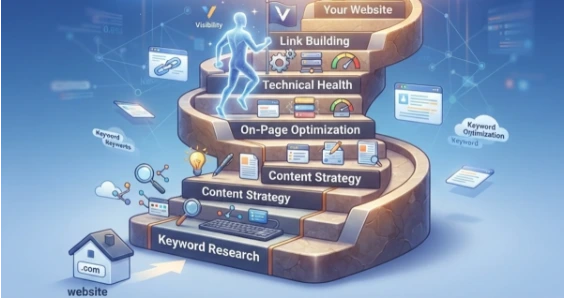
Generate meta tags, audit keyword density, create robots.txt and XML sitemaps, and run on-page SEO checks — all without installing a browser extension.

Generate AI-assisted stories, emails and summaries. Fix grammar, check readability scores and format text for publishing — all client-side with no data logging.
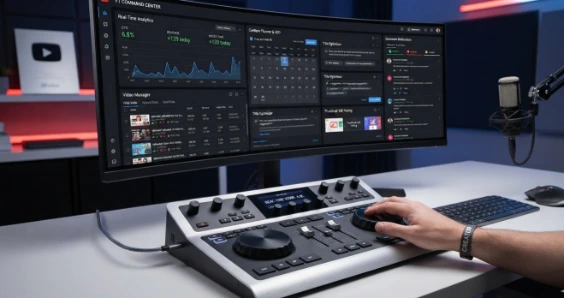
Extract tags from competitor videos, generate optimized titles and descriptions, download thumbnails, and create timestamps — built for creators who publish weekly.
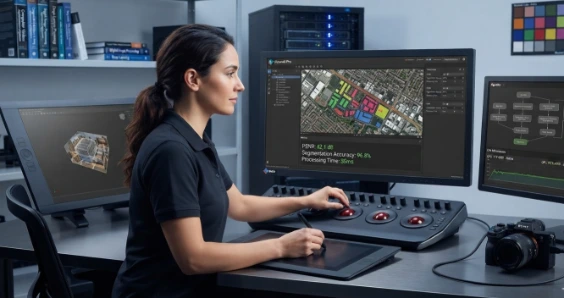
Compress images for web, convert between 15+ formats (WebP, AVIF, HEIC, PNG), resize for social media, remove backgrounds, and change DPI without quality loss.

Format and validate JSON, encode Base64 strings, generate UUIDs and hashes, test regex patterns, debug JWT tokens, and minify HTML/CSS/JS — all in your browser.

Generate cryptographically strong passwords, check for data breaches, create .htpasswd files, calculate SHA/MD5 hashes, and inspect SSL certificate details.

Calculate salary tax (Pakistan FBR slabs), freelancer income tax, loan EMIs, compound interest, profit margins, and GST. Updated for the 2026-27 fiscal year.
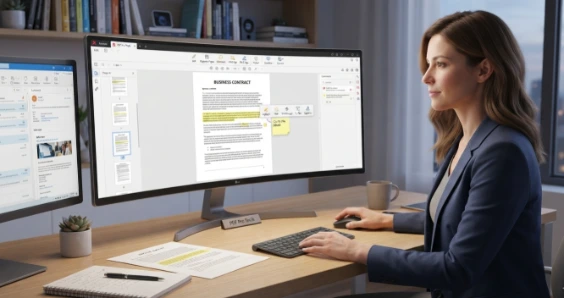
Merge multiple PDFs, compress large files for email, convert images to PDF, extract text from scanned documents, and split pages — no upload required.
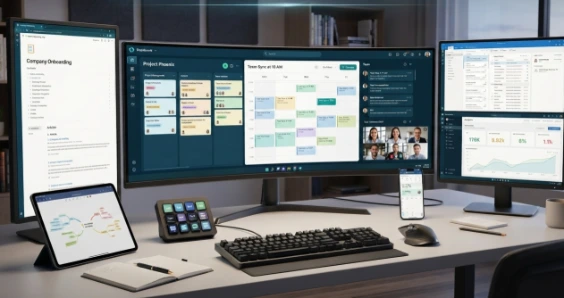
Manage tasks with a to-do list, track time with the Pomodoro timer, count words and characters, generate Lorem Ipsum placeholder text, and convert text case.
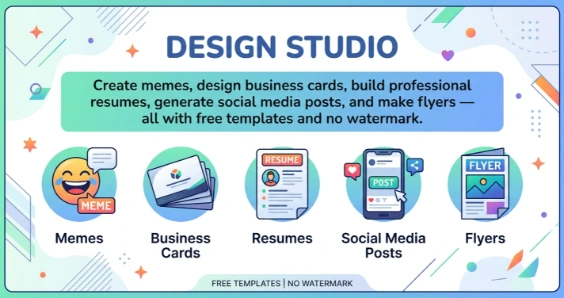
Create memes, design business cards, build professional resumes, generate social media posts, and make flyers — all with free templates and no watermark.
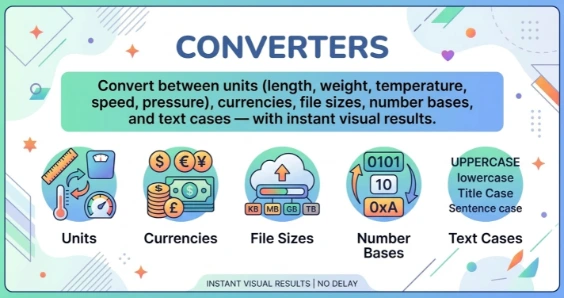
Convert between units (length, weight, temperature, speed, pressure), currencies, file sizes, number bases, and text cases — with instant visual results.
Build UTM tracking links, generate ad copy variations, analyze campaign performance, find trending hashtags, and check social media engagement metrics.
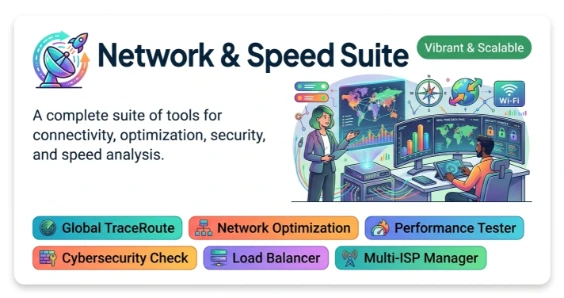
Test your internet speed, check ping latency, look up IP addresses, trace network routes, verify DNS records, and measure page load performance.
Pick colors from any image, generate palettes, check WCAG contrast compliance, create CSS gradients, and convert between HEX, RGB, HSL and CMYK formats.
In-depth tutorials on SEO, YouTube optimization, Core Web Vitals, print sizing, colour theory, and freelancing — written by practitioners, not content farms.
Hands-on reviews of software, hosting and creator tools — with pricing breakdowns, alternatives, and honest verdicts based on real usage.
Calculate BMI, track daily calorie targets, plan water intake, estimate macro ratios, and generate workout routines — private, no account needed.
Access Android emulator resources, APK parameter checkers, ROM compatibility guides, and virtual machine setup tutorials for developers and testers.
Check browser compatibility, test responsive layouts, validate CSS, audit accessibility against WCAG standards, and check page performance scores.
Generate Instagram bios, find trending TikTok hashtags, optimize LinkedIn posts, create Twitter cards, and calculate engagement rates across platforms.
Write product descriptions, calculate pricing with profit margins, estimate shipping costs, generate SKUs, and create Shopify/WooCommerce product feeds.
Roll dice for tabletop games, flip a coin for decisions, spin a wheel, generate random names and numbers, and settle debates with a yes/no oracle.
Curated roadmaps for web development, SEO, digital marketing and freelancing — with course links, practice projects and portfolio-building guides.
Hand-selected by our team based on usefulness across workflows. This is not a popularity ranking.
I started Skills Insider in 2024 because I wanted simple and useful online tools that were fast, free, and easy to use. I was tired of websites that asked for sign-ups, uploaded files to unknown servers, or showed too many ads. So I decided to build something different: a collection of tools that work directly in your browser and respect your privacy. Today, Skills Insider is used by freelancers, small business owners, creators, and developers around the world. I test the tools before adding them and keep improving the site with new tools and updates.
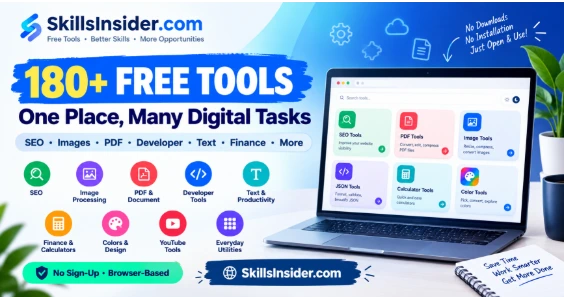
Detailed specifications for every tool workspace on SkillsInsider.
If you found these tools useful, you may also need:
Everything you need to rank — from meta tags and structured data to Core Web Vitals and internal linking strategies.
Stop guessing what makes a video rank. We analyzed 10,000 videos to find patterns that drive views — and built free tools around them.
A comprehensive reference guide for standard paper, poster, and canvas dimensions in inches, millimeters, and pixels.
Verified feedback from real Skills Insider users. Each review is shared with the reviewer's consent.
"SkillsInsider tools are surprisingly fast and practical. As someone who works in content, production, and media, I appreciate how simple yet useful these tools are. Perfect for creators who want results without complexity!"

Find answers about Skills Insider tools, privacy, supported devices, usage, tool categories, and getting help.

No credit card. No account. No limits. Just free browser tools ready to go, right now.