Image Annotation Pro
Draw, highlight, add text, shapes, and stickers to your images. Perfect for tutorials, feedback, and creative work — processed locally for your privacy.
Move Objects
Click and drag any text or sticker to reposition it on the canvas.
Perfect Shapes
Select a shape, then click and drag to draw rectangles, circles, lines or arrows.
Adding Text
Select the Text tool, click on canvas, and enter your note. Adjust size and font first.
All processing happens locally — your images never leave your device.
Master Your Image Markup Workflow
Our annotation tool is designed for speed and privacy. Add arrows, freehand drawings, text notes, and emoji stickers to any screenshot or photo. Perfect for creating tutorials, reporting bugs, or giving visual feedback — all without uploading your files anywhere.
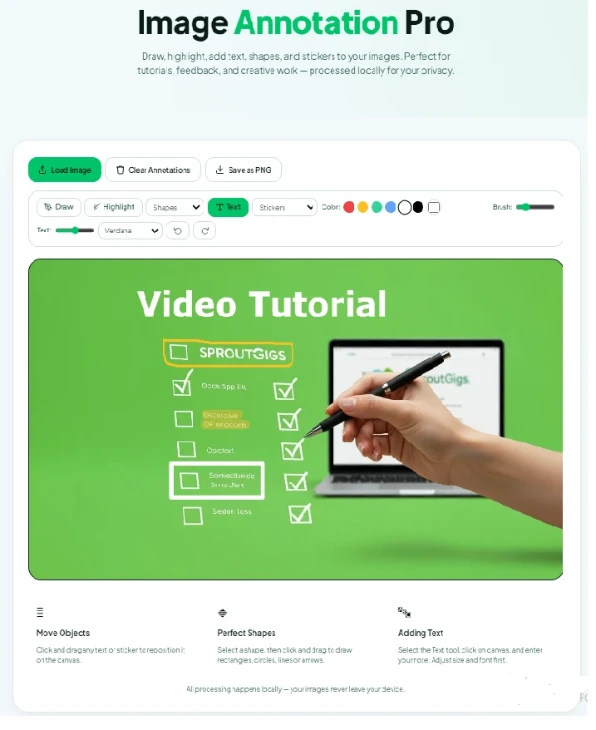
Use the toolbar to switch between drawing, highlighting, shapes, and text. Every action is saved in an undo/redo history, so you can experiment freely. When you're done, download the result as a high‑resolution PNG.
Explore Other Tools
100% Private & Secure: Images and annotations are processed entirely in your browser. No uploads to any server.